01/
GLANCE,
DON'T SWITCH.
Coloured dots in the menu bar read out Working, Calling API or Idle. Multi-project work stops requiring Cmd-Tab to learn who is busy.
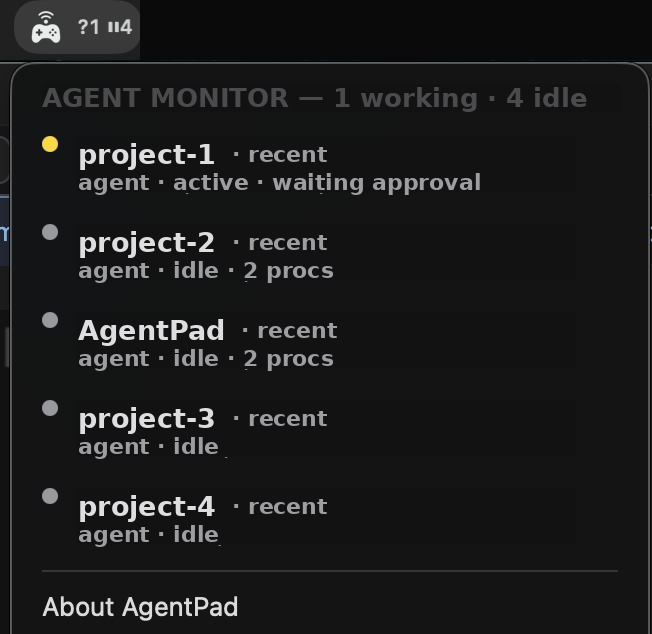
AgentPad is engineered for developers who keep long-running AI coding sessions open all day. It does not try to replace the editor; it puts the two things that ever matter — what's happening and what to do next — where your eyes already land.
Coloured dots in the menu bar read out Working, Calling API or Idle. Multi-project work stops requiring Cmd-Tab to learn who is busy.
Reads the JSONL session tail the agent writes itself. PTY probe via Accessibility only kicks in as fallback. The network is left untouched.
A / B become approve / reject. L / R move through hunks. Read the diff and answer it without ever switching seats.
Three states — Working, Calling API, Idle. The smallest vocabulary that still tells you exactly what every session in the fleet wants from you.
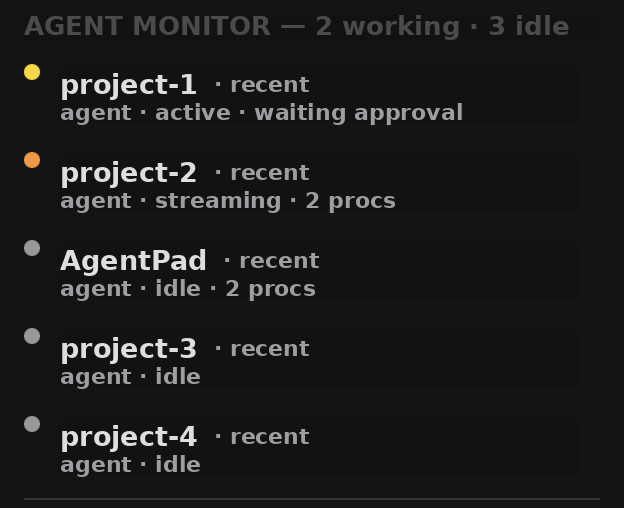

Per-app profiles keep bindings honest. Terminal, Cursor and your browser each remember their own map. Pick up a game and any passthrough-capable controller drops cleanly back into native gamepad mode.

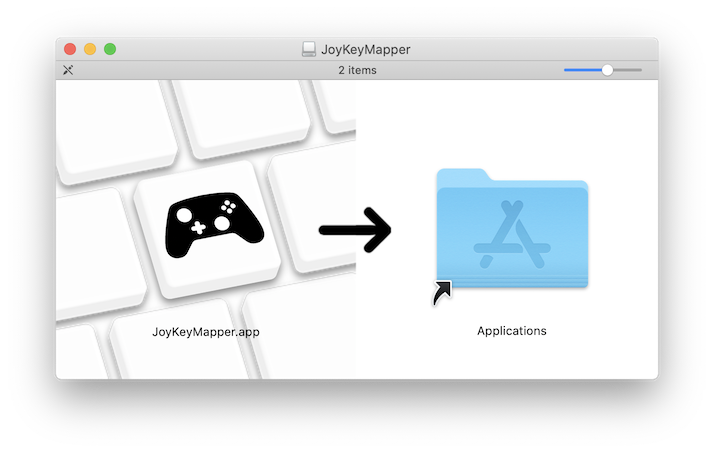
Built with APPKIT. Menu-bar resident, zero Dock icon. Default targets are CLAUDE, CODEX and OPENCODE; add any process-name pattern in Settings. Distributed as a signed DMG via GitHub Releases.